Why the numbers run backwards
Tile 1 goes up first.
Instagram puts each new post at the top left and pushes the rest right and down. So tile 1 is the bottom right corner. Post 1, then 2, and the picture builds from the bottom up until the last tile lands at the top left. Export saves the files in that order.
More grids
More layouts to start from.
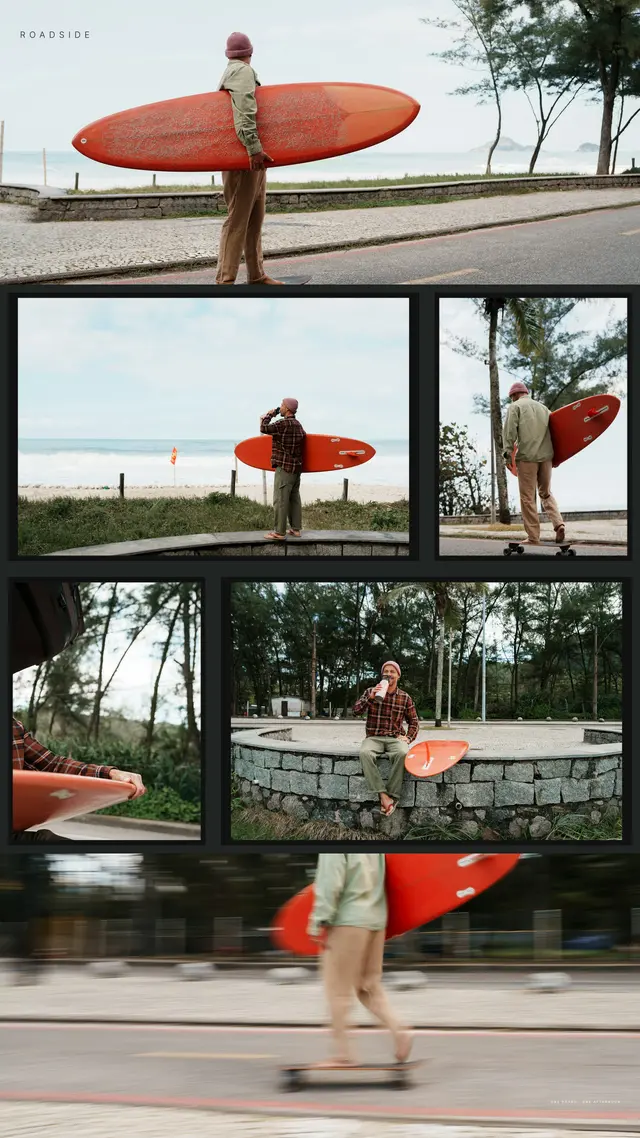
Every grid is three columns wide and made from several photos, not one picture stretched across your profile. The layout decides where each photo sits, so the cuts land between your photos instead of through them.




Questions
What order do I post the tiles in?
Post tile 1 first and the last tile last. The tiles are numbered for you, and each new post pushes the others along, so the picture comes together with the last one.
Does it work with Instagram's new rectangle grid?
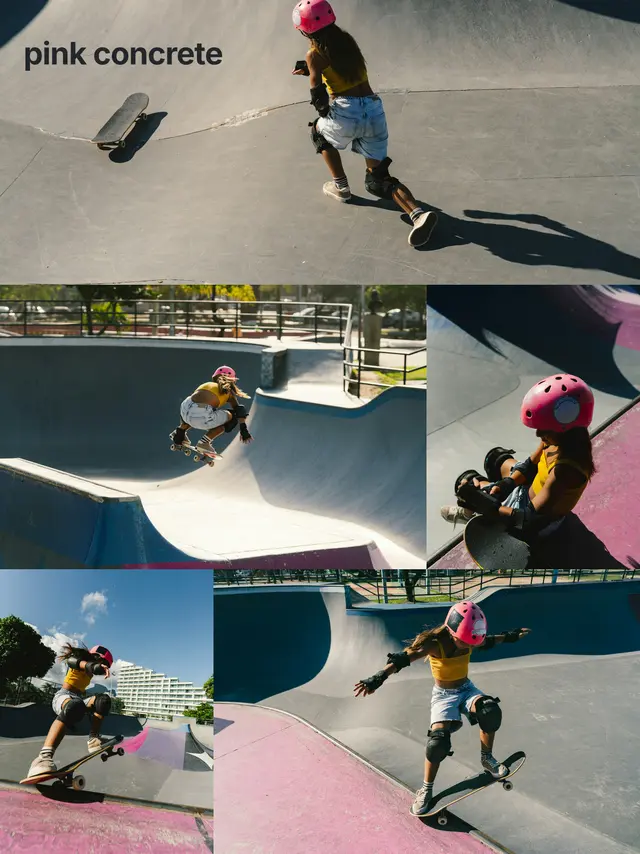
Yes. Tiles are 3:4 by default, the shape your profile shows now. Square tiles are there too if you want the classic look.
What happens to my old posts?
Nothing. They stay on your profile and move down. Post the whole grid in one go so it lines up.
Split your first grid.
Free to start. No account. No ads.