01 · Archive 64
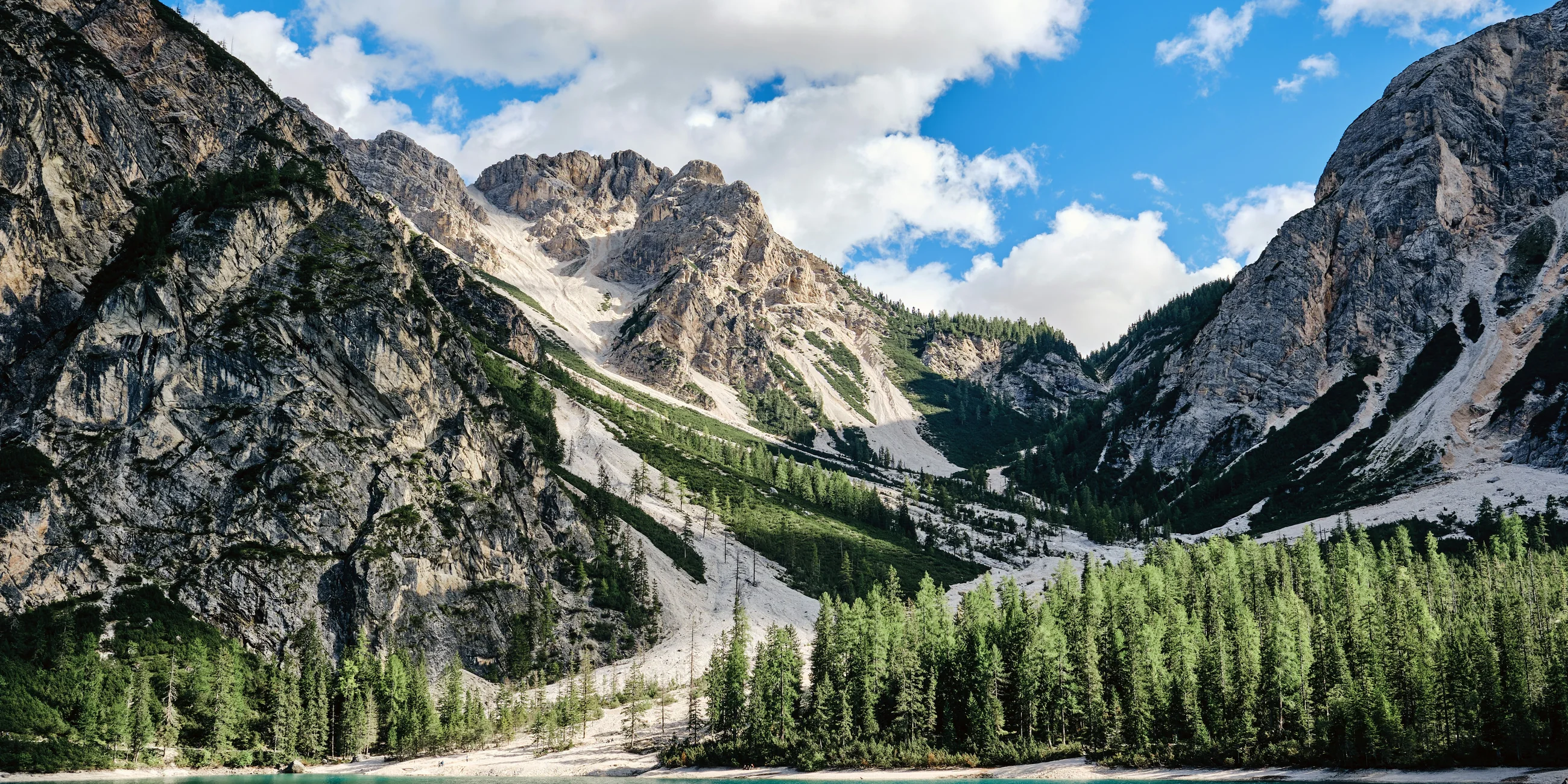
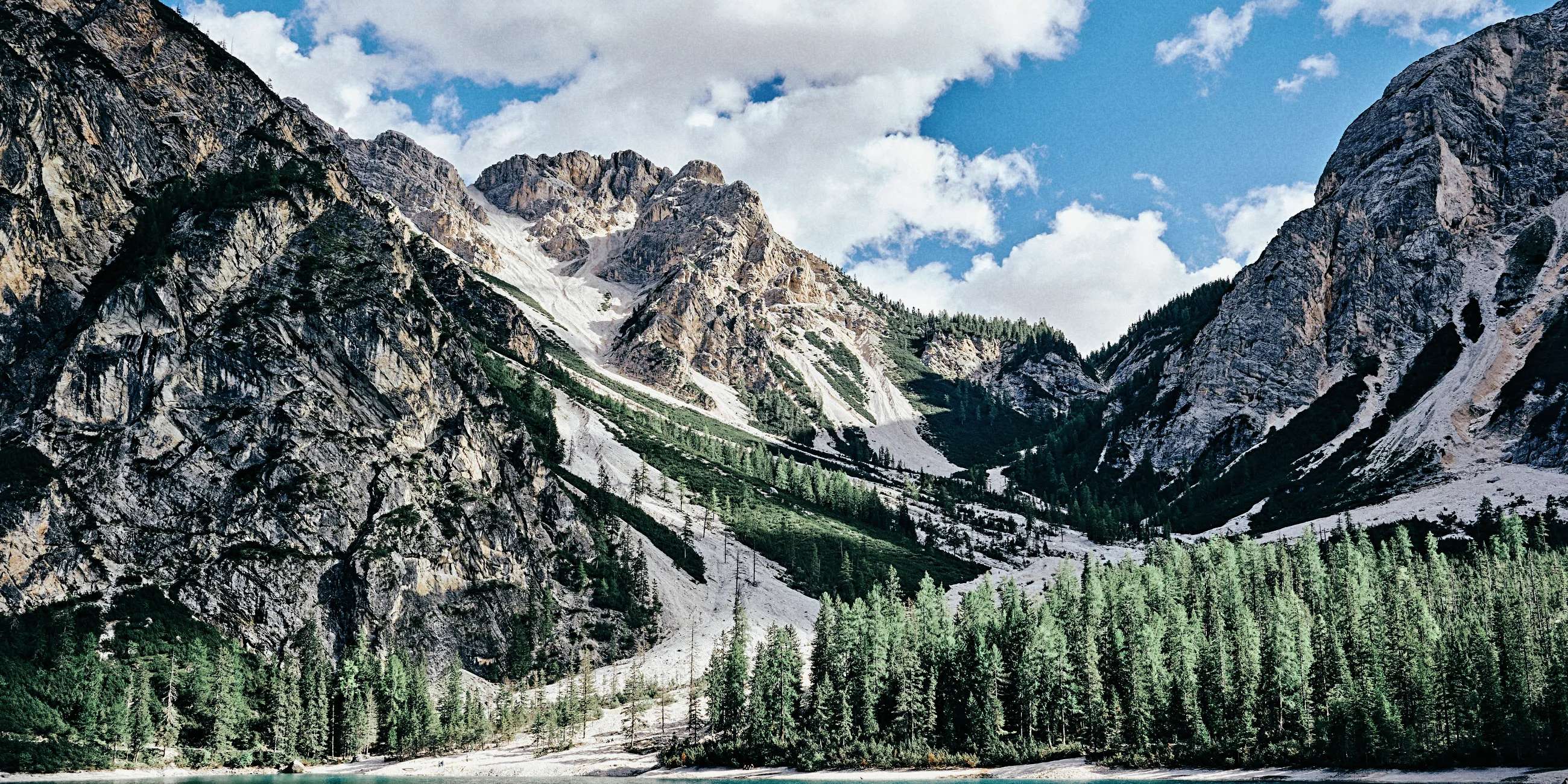
Blue skies, the Kodachrome way.
Fitted to Kodachrome 64, a slow slide film known for deep blue skies and colors that stay true. It looks best on a bright, clear day like this one.
- Film stock
- Kodachrome 64
- Saturation
- -4
- Contrast
- -1
- Warmth
- -2
- Clarity
- +15
- Grain
- 25
How they are made
Fitted to real film stocks.
Each look is matched to a real film stock. That is why Velvia turns mountains the right green, and tungsten film goes cool in daylight the way it does on a real roll.
02 · Cold Print 800
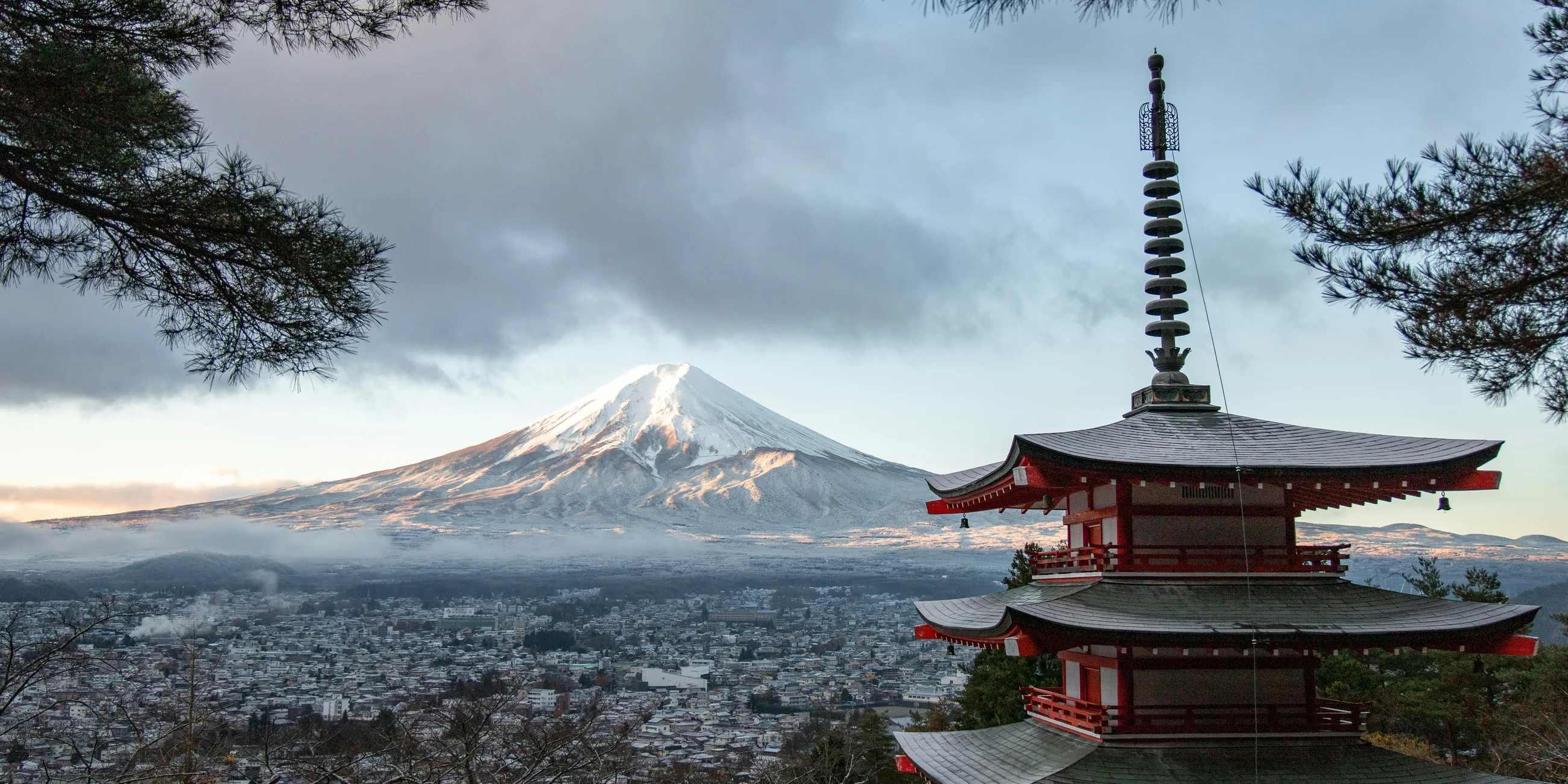
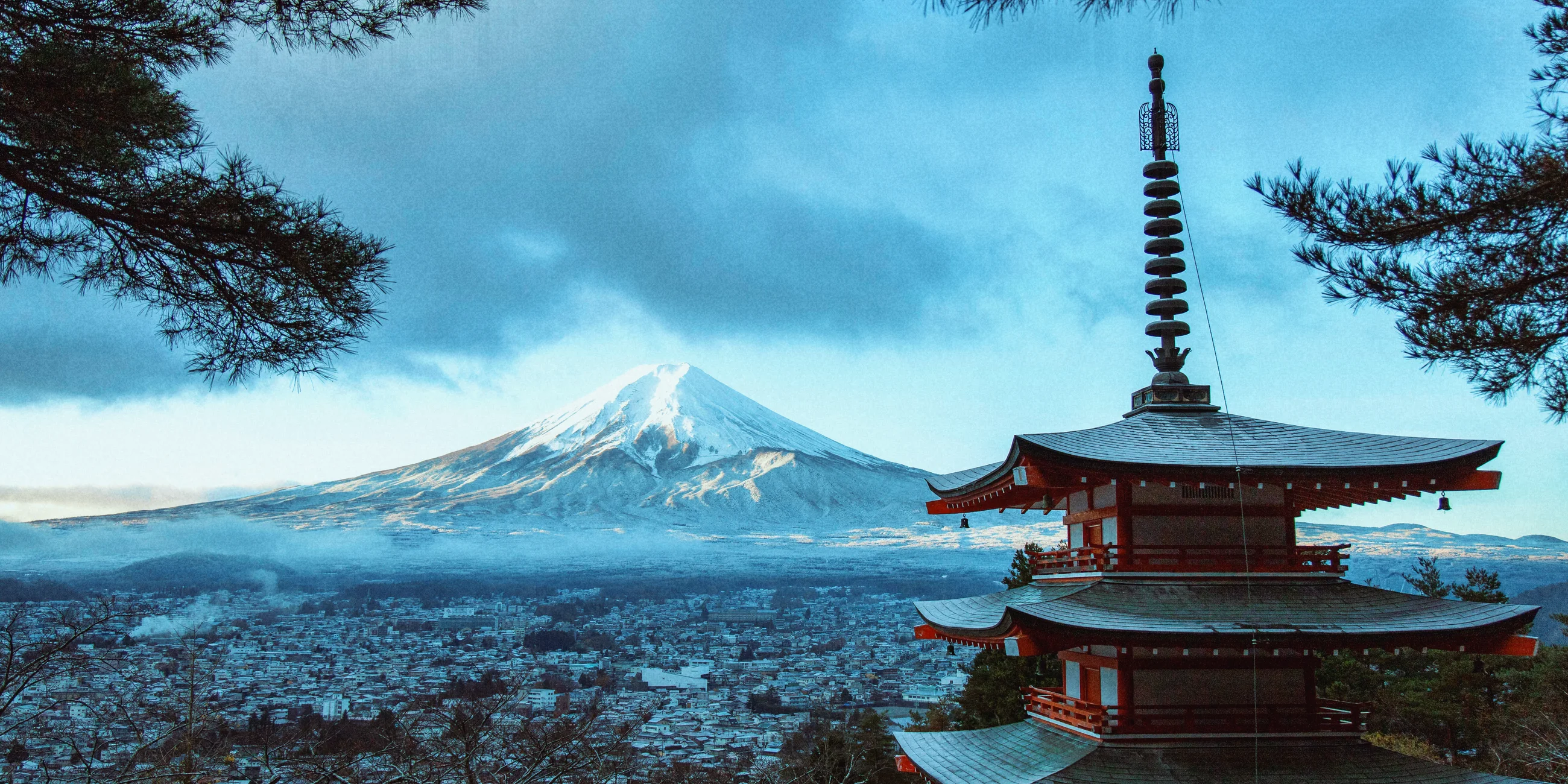
Tungsten film, shot in daylight.
Fitted to CineStill 800T, a cinema film made for tungsten light. In daylight it turns cool, with cyan shadows and the red glow it is known for around bright highlights.
- Film stock
- CineStill 800T
- Saturation
- +1
- Contrast
- +4
- Warmth
- +16
- Split tone
- +9 / -95
- Clarity
- -7
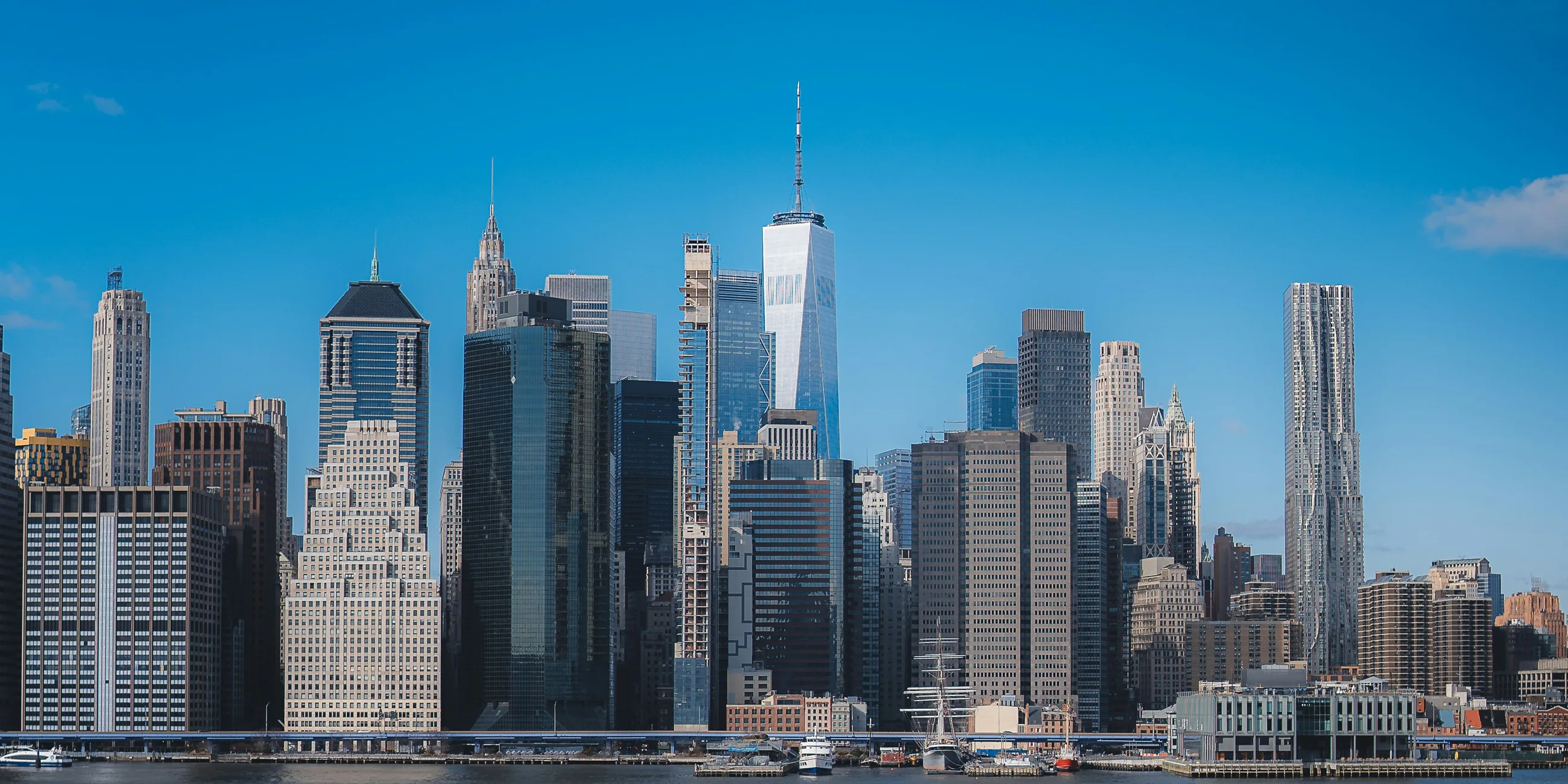
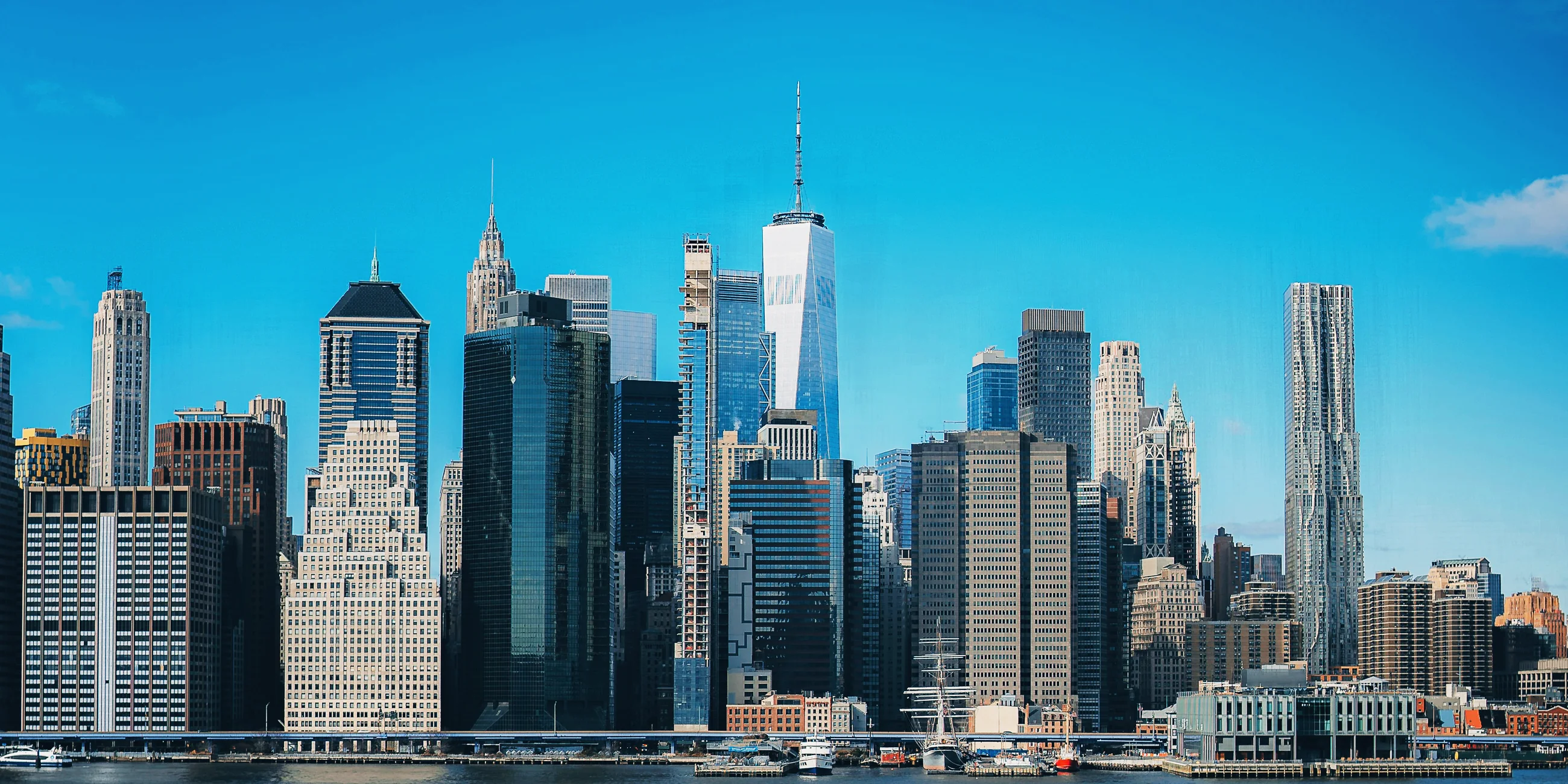
03 · Crisp 100
Clean, sharp and very blue.
Fitted to Ektar 100, a color negative film with grain so fine you barely see it. Good for buildings, horizons and anything with a lot of sky.
- Film stock
- Ektar 100
- Saturation
- +11
- Contrast
- -7
- Warmth
- -3
- Split tone
- -10 / +20
- Clarity
- +8
Underneath
Every look is a set of sliders.
Each look is made from the same sliders you get in the editor, so you can open one and change anything.
Light
Brightness and contrast, plus how deep the blacks go and how bright the whites get. A vignette darkens the corners to pull the eye in.
Color
Saturation turns color up or down. Warmth makes a photo golden or cool, and tint and hue nudge the whole cast.
Shadows and highlights
Give the dark parts and the bright parts their own color, like teal shadows under warm highlights. Most film looks come from here.
Film texture
Grain like a real roll, fade for the soft blacks of an old print, and sepia for a warm, aged tint.
Glow and detail
Glow makes the highlights bloom and diffusion softens the frame like a mist filter. Clarity, sharpness and dehaze bring back detail on a grey day.
Intensity
One slider for the whole look. Slide it down when you only want a little of it.
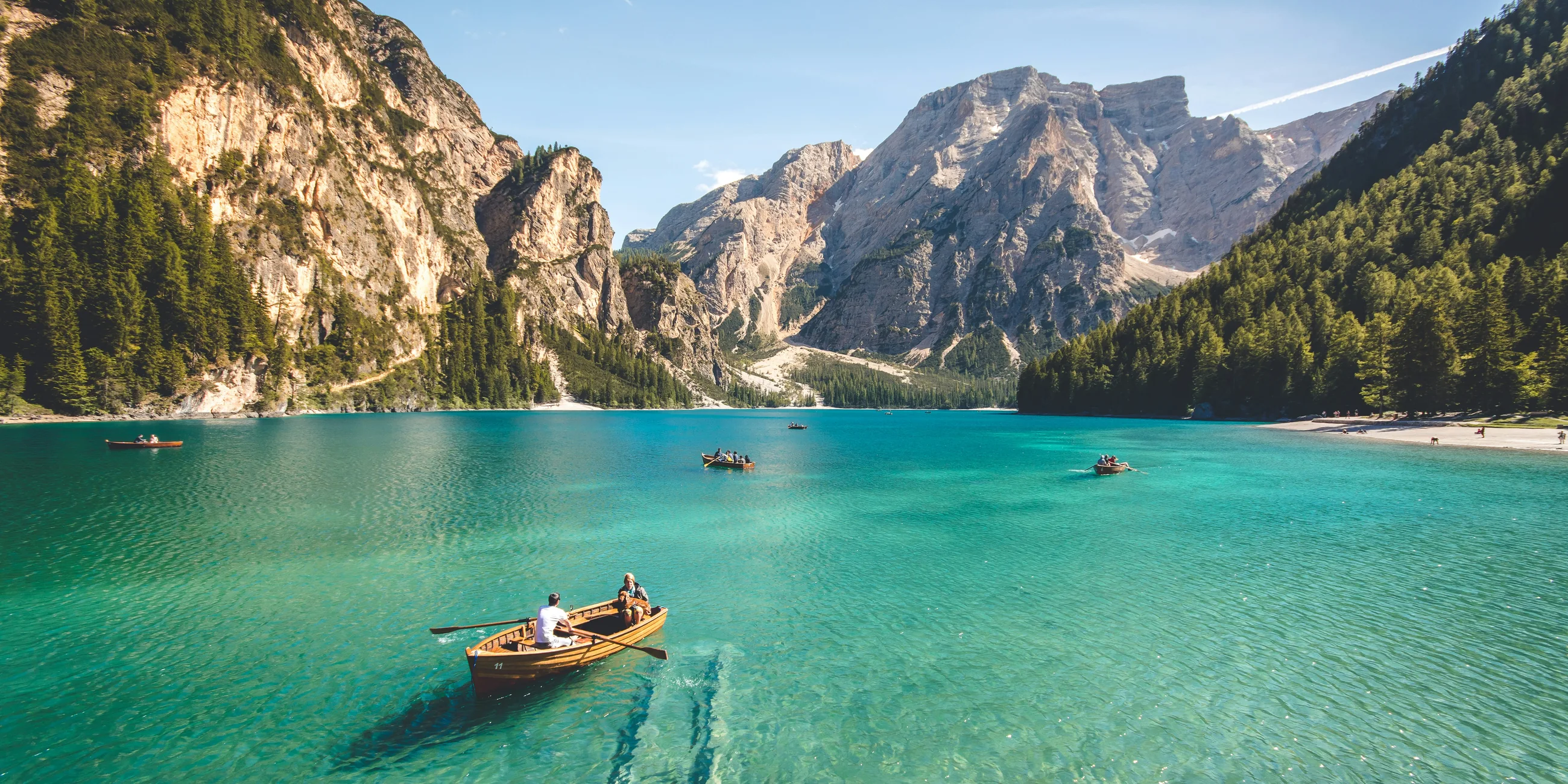
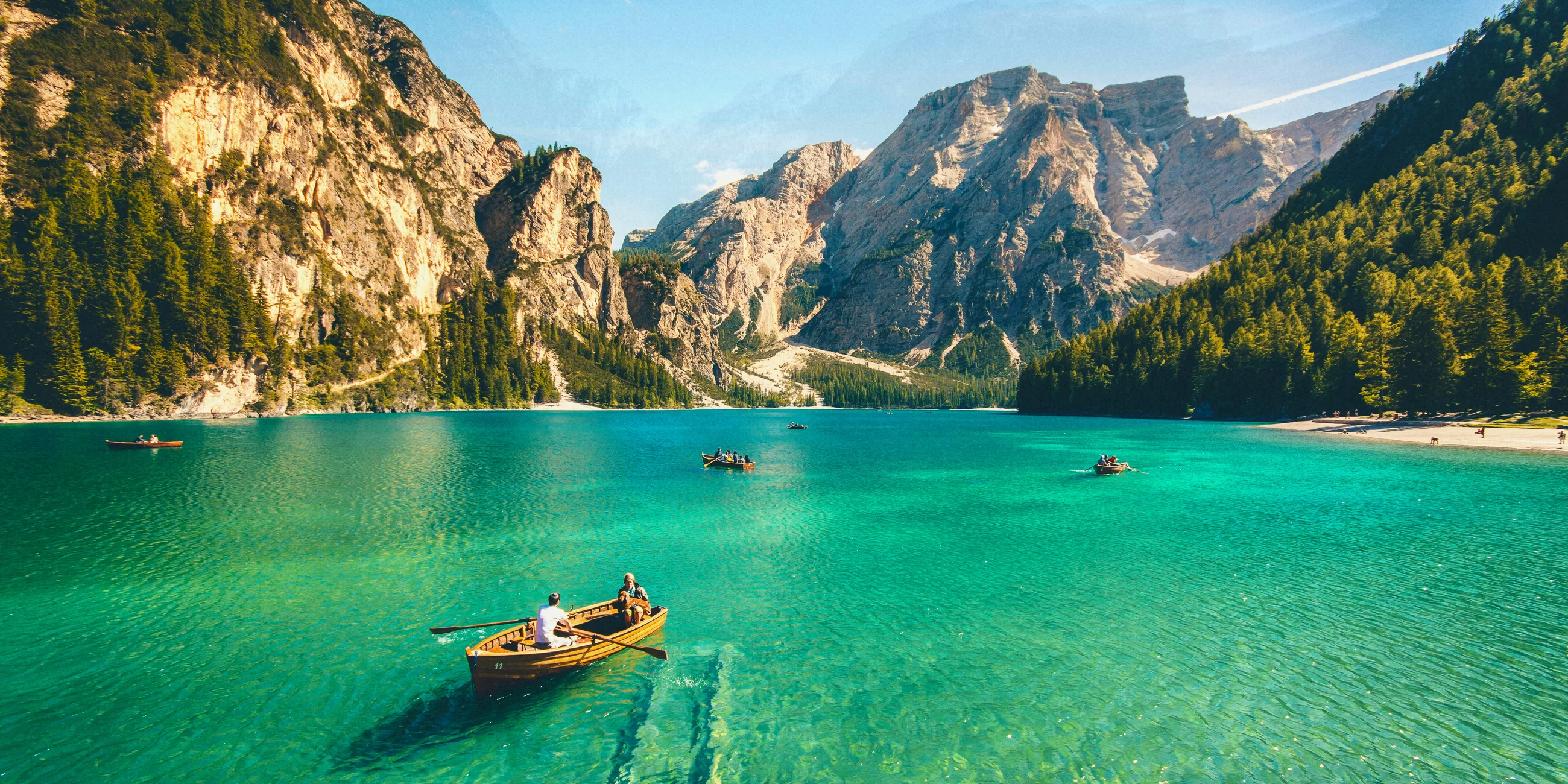
04 · Landscape 50
Slide film for landscapes.
Fitted to Velvia 50, the slide film landscape photographers swear by. It is our most saturated look, with deep greens, turquoise water and dark, dense shadows.
- Film stock
- Velvia 50
- Saturation
- +20
- Contrast
- +2
- Warmth
- +17
- Split tone
- -51 / +32
- Clarity
- -5
05 · Verdigris
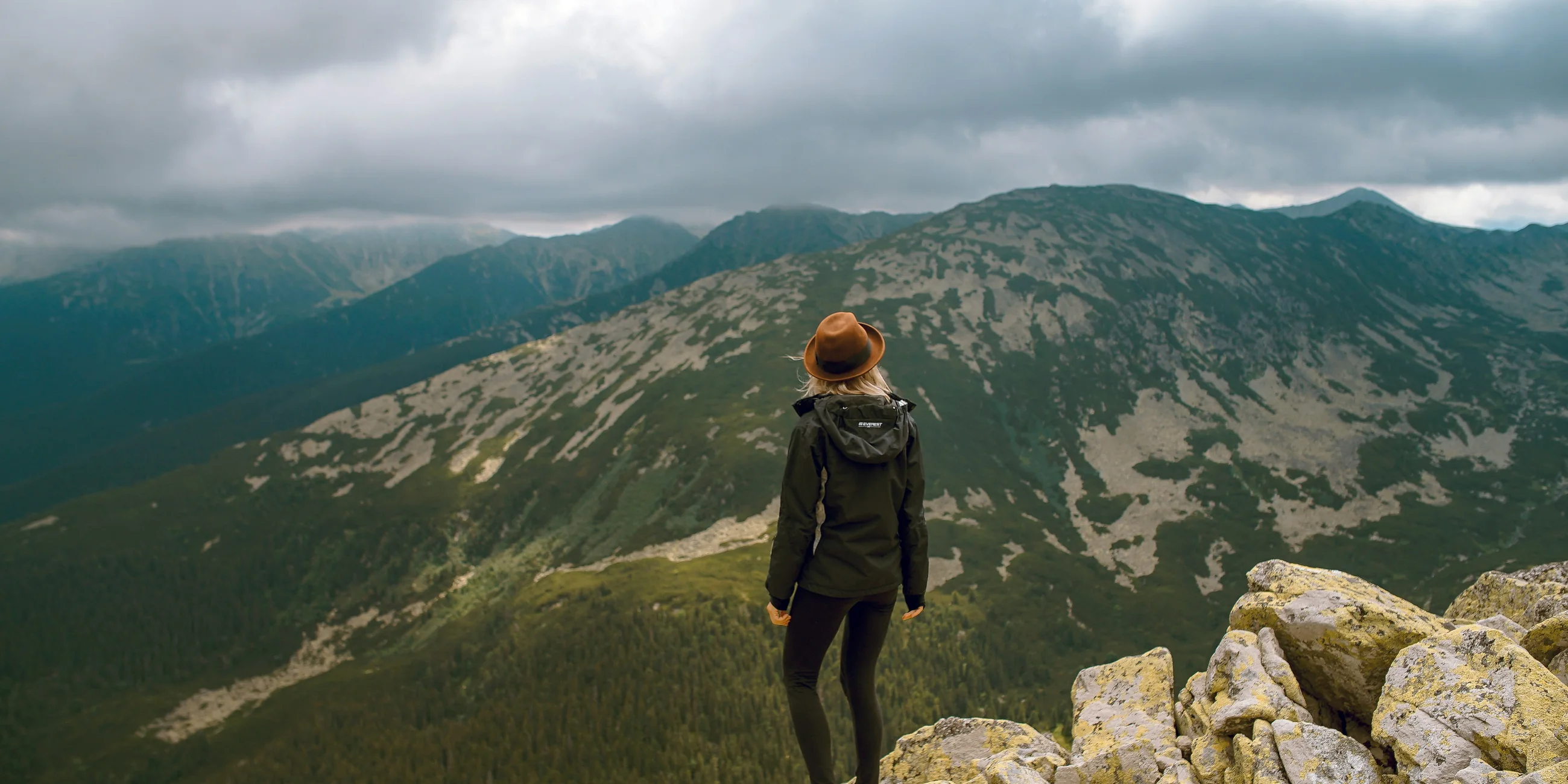
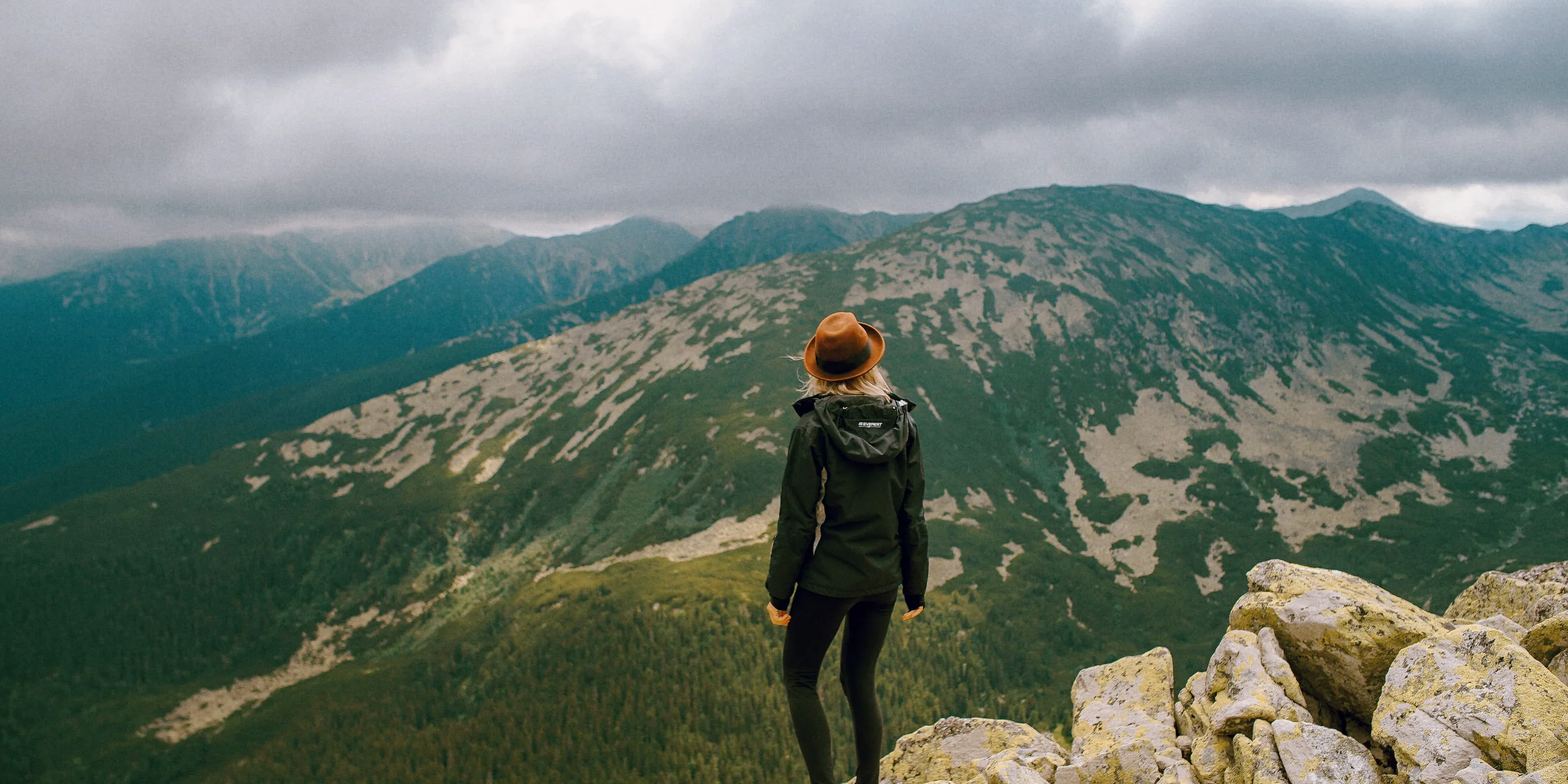
Soft pastels that go easy on skin.
Fitted to Fuji Pro 400H, a favorite of wedding photographers. Minty midtones, gentle contrast and skin protection, so faces stay natural.
- Film stock
- Fuji Pro 400H
- Saturation
- -3
- Contrast
- +1
- Warmth
- 0
- Grain
- 20
The shelf
Slide, negative, cinema and print.
Plus a few looks of our own. A starter pack is free, and Pro unlocks the rest.
06 · Press 400
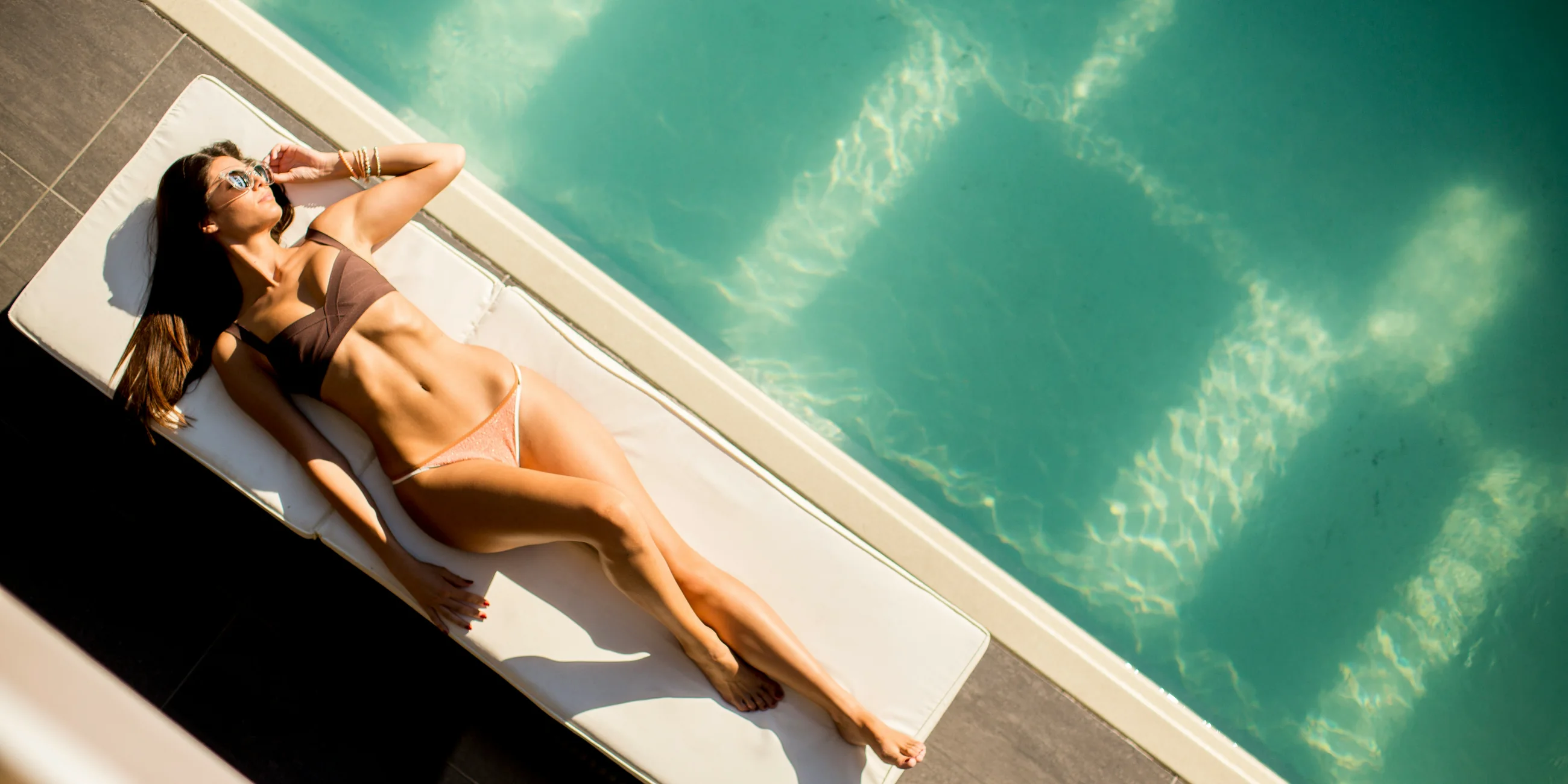
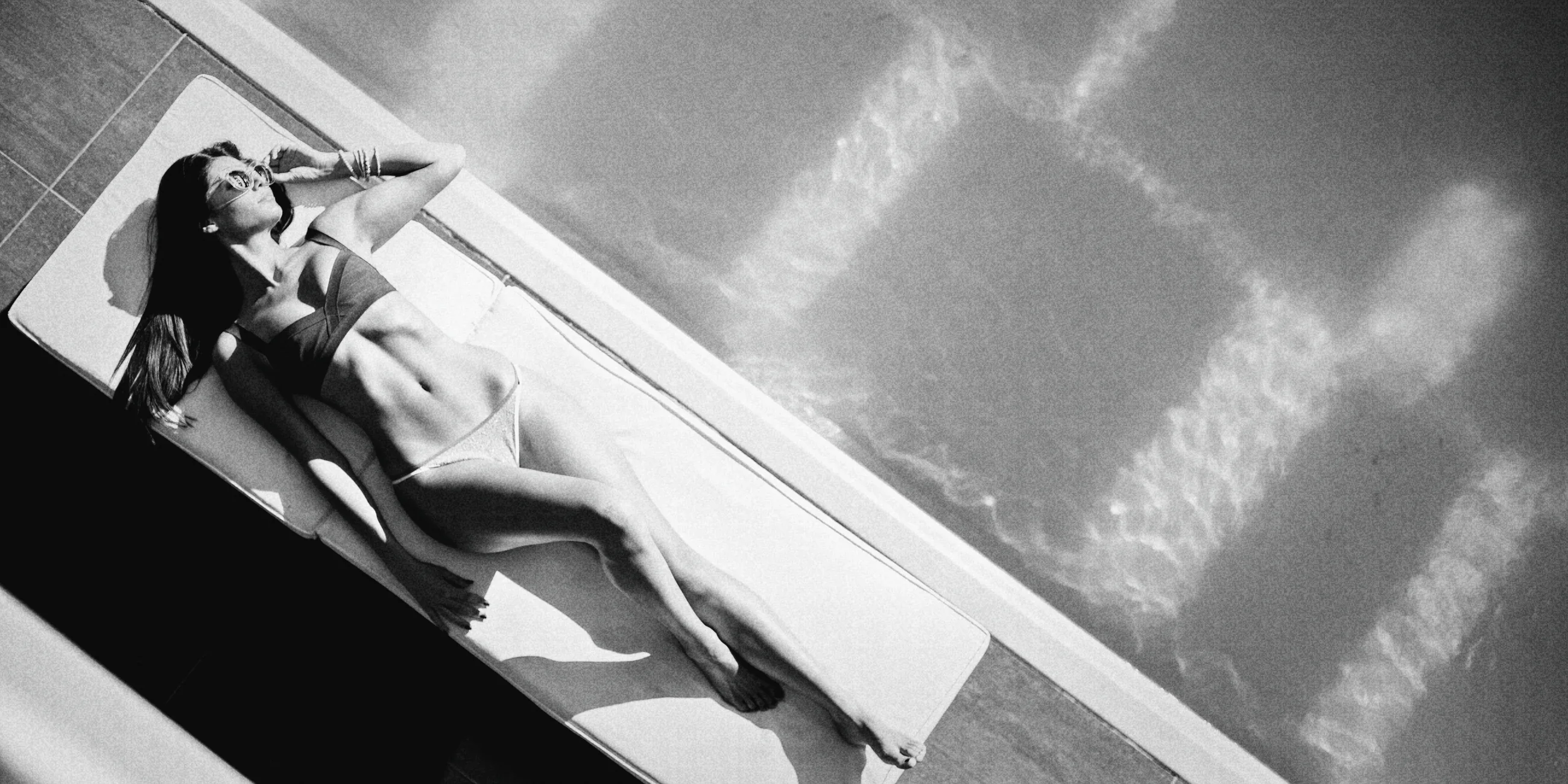
Black and white with real grain.
Fitted to Tri-X 400, the black and white film behind decades of street and documentary photography. Deep blacks, highlights that hold, and grain you can see.
- Film stock
- Tri-X 400
- Saturation
- -8
- Contrast
- +4
- Warmth
- -2
- Clarity
- +15
- Grain
- 50
Questions
Are the filters free?
Some are. Pro unlocks the full set.
Can I make a filter weaker?
Yes. Drag the intensity slider. You can also change settings like contrast, warmth and grain before you export.
Can I put the same filter on every photo in a grid?
Yes. Edit one photo, then tap Apply to all to give the other tiles the same look.
Try the looks on your own photos.
Free to start. No account. No ads.