
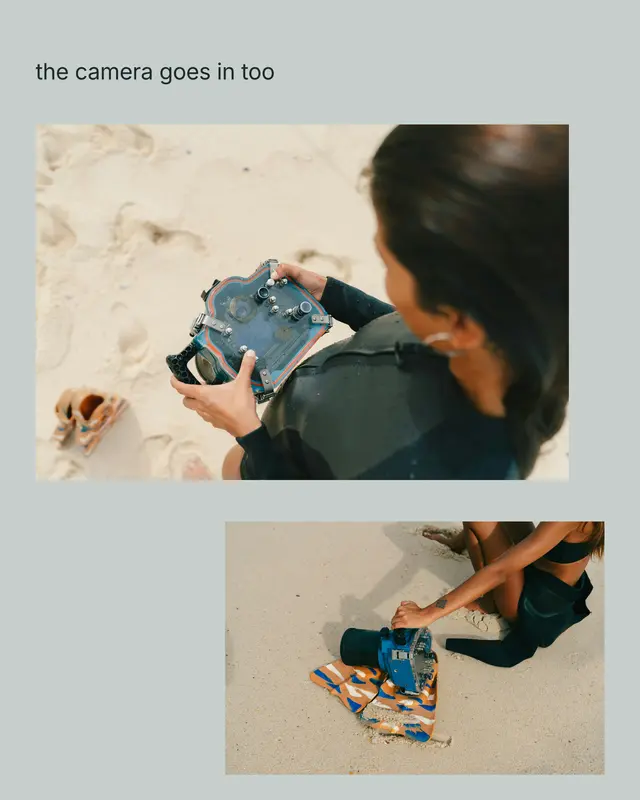




Two ways in
Start blank, or begin with a layout.
The editor is identical either way. A template simply arrives with its frames already placed, leaving every element fully adjustable and nothing in a blank canvas missing.
From scratch
A blank carousel
Choose the aspect ratio, then build your sequence: add slides, duplicate frames, reorder them, and place photos, cutouts, or type anywhere on the canvas.
From a layout
A layout to start from
Frames are already sized and positioned. Drop your photos in and adjust any element freely, including slide order and placement.
Either way
Export and post
Every slide exports at up to 3840 px directly to a dedicated album, saved in numerical posting order. Up to ten slides free, or up to 25 in total.
The shelf
Slides that carry on from each other.
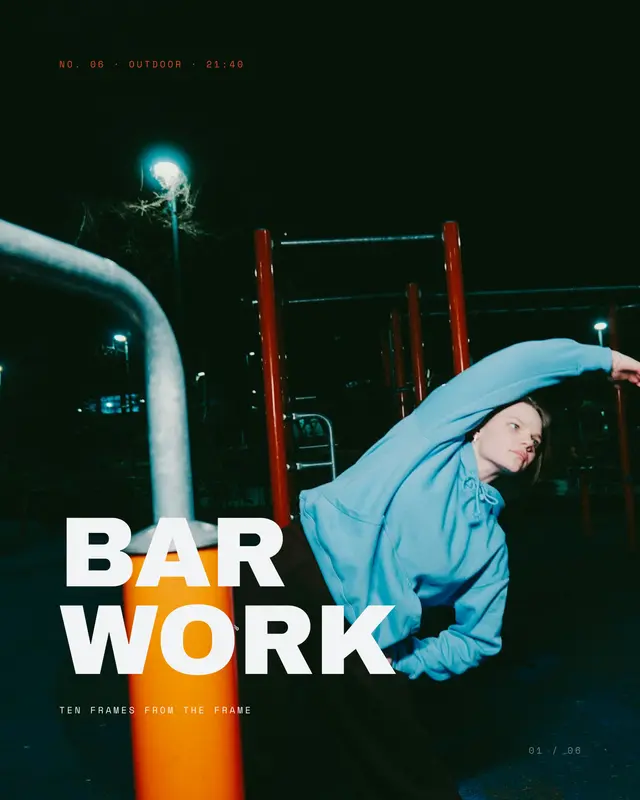
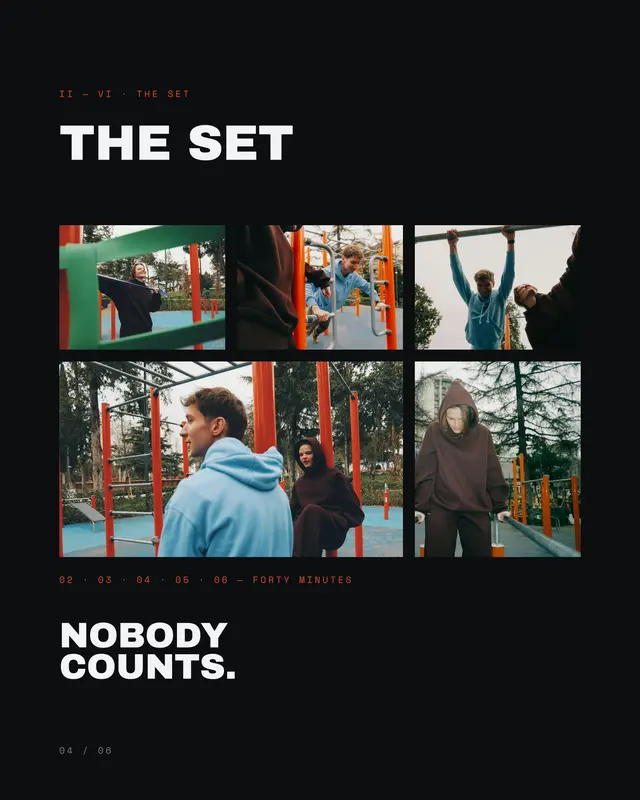
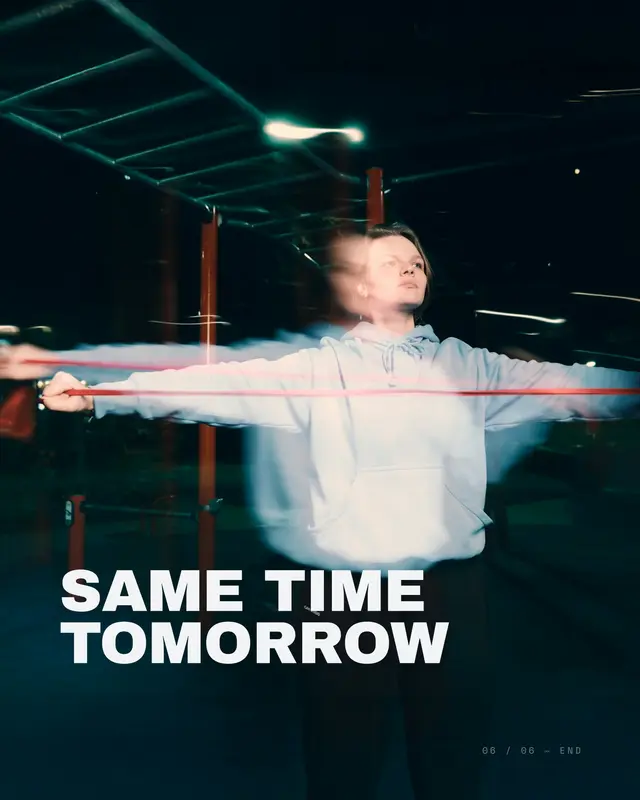
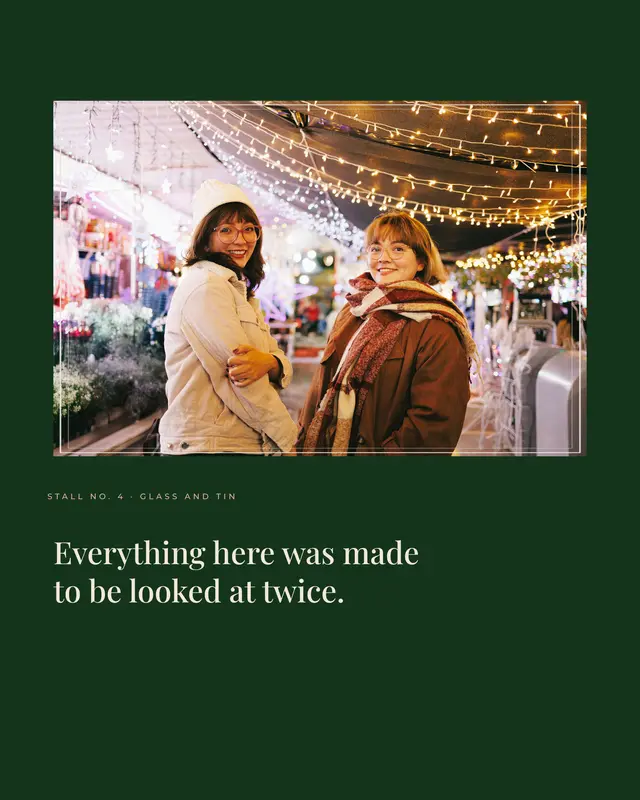
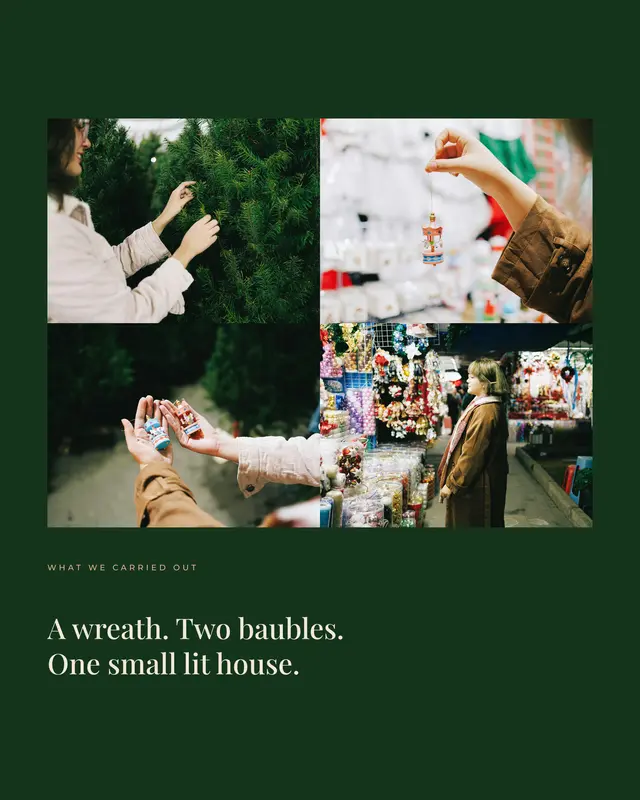
Three off the shelf, each a real render from the app. Scroll one sideways and watch the picture cross the join.















Questions
Frequently asked questions.
Can I build a carousel from scratch?
Yes. Start with a blank canvas, pick the shape you want, and add slides as you go. Templates are just a head start, and there is nothing in one you cannot do on a blank canvas yourself.
How many slides can a carousel have?
Add, duplicate, reorder and delete them however you like. Ten slides are free and 25 is the most you can have, which is already more than Instagram takes.
Do the slides line up when I post them?
They do, as long as you pick them in order. Export drops every slide into one album, numbered, so you select the lot and Instagram keeps the sequence.
Can something run across two slides?
That is the whole point. A photo, a heading or a line can cross from one slide into the next, and each side still exports clean, so the join only shows when you swipe.