
Why the numbers run backwards
Post the last tile first.
Your profile fills from the top left and pushes everything right and down. Upload tile 1, then 2, and by the time you reach the last one the picture has assembled itself from the bottom up. Export writes the files in exactly that order.
The grids
The rest of them.
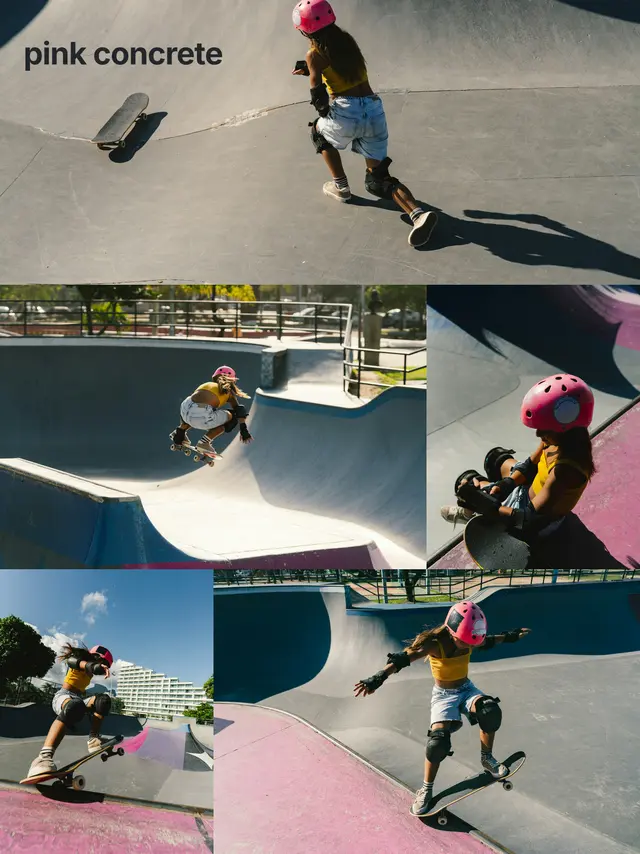
Three columns each, and none of them stretches one frame across your profile. The layout decides which part of the wall each photograph covers, and the cuts fall where they fall.




Questions
Frequently asked questions.
What order do I upload the tiles in?
Start at tile 1 and work up. Instagram pushes older posts right and down, so the picture assembles itself as you go. Export has already worked the order out, so you never have to.
What happens to the rest of my profile?
Nothing. Your old posts stay where they are, the grid just pushes them down, which is why most people post a grid in one sitting rather than a tile at a time.
Can I use more than one photo in a grid?
Yes, and most grids expect it. The layout decides which part of the wall each photo covers before anything is cut, so the tile edges fall between your pictures instead of through them.